1. Home
  2. Product
  3. Technician app
Technician app

Everything the tech needs at the gate. Nothing to type twice.

The day's stops in route order with navigation. At the pool: readings on a tap scale, photos, the checklist, a repair flag, and a message to the office. iPhone and Android.

9:41
Stop 6 of 14
Henderson pool
Gate 2208Dog in yardEnter left
PoolSpa
Checklist4 of 5
Skim and brush
Empty the baskets
Test the water
Dose chemicals
Photo of the pool
Finish stop
Dosed and loggedChlorine 2 to 3 ppm
Photo savedSends when signal returns
The stop

Gate code, dog, entry side. Then the water.

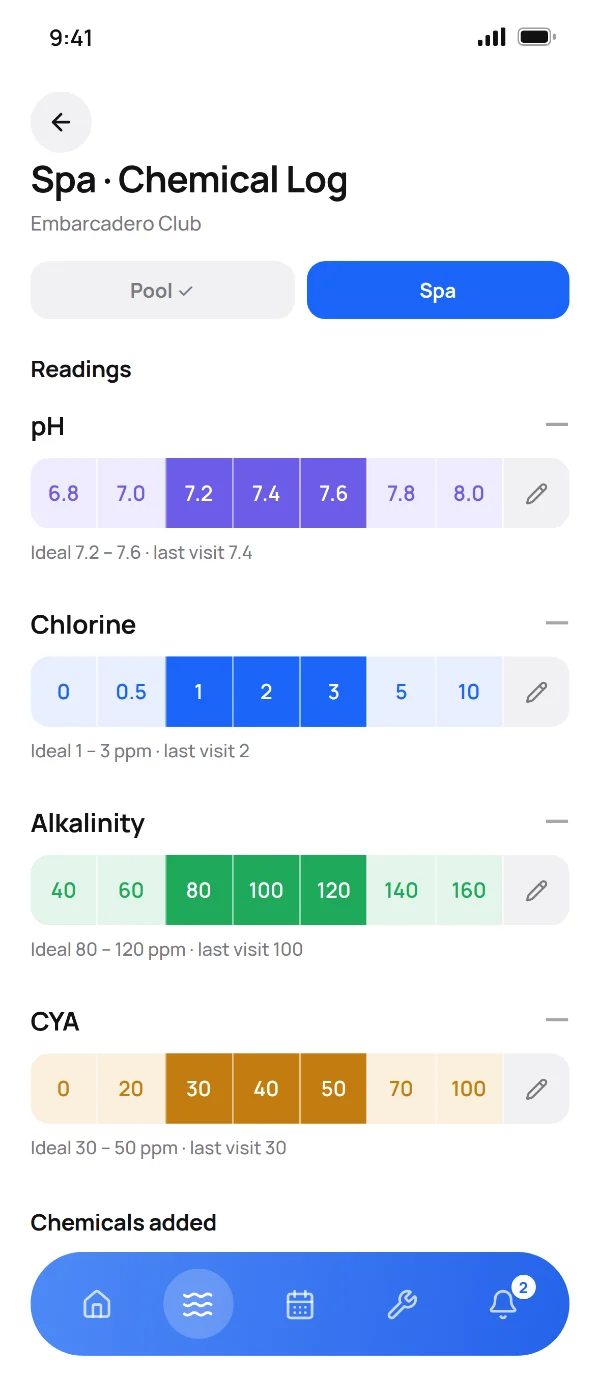
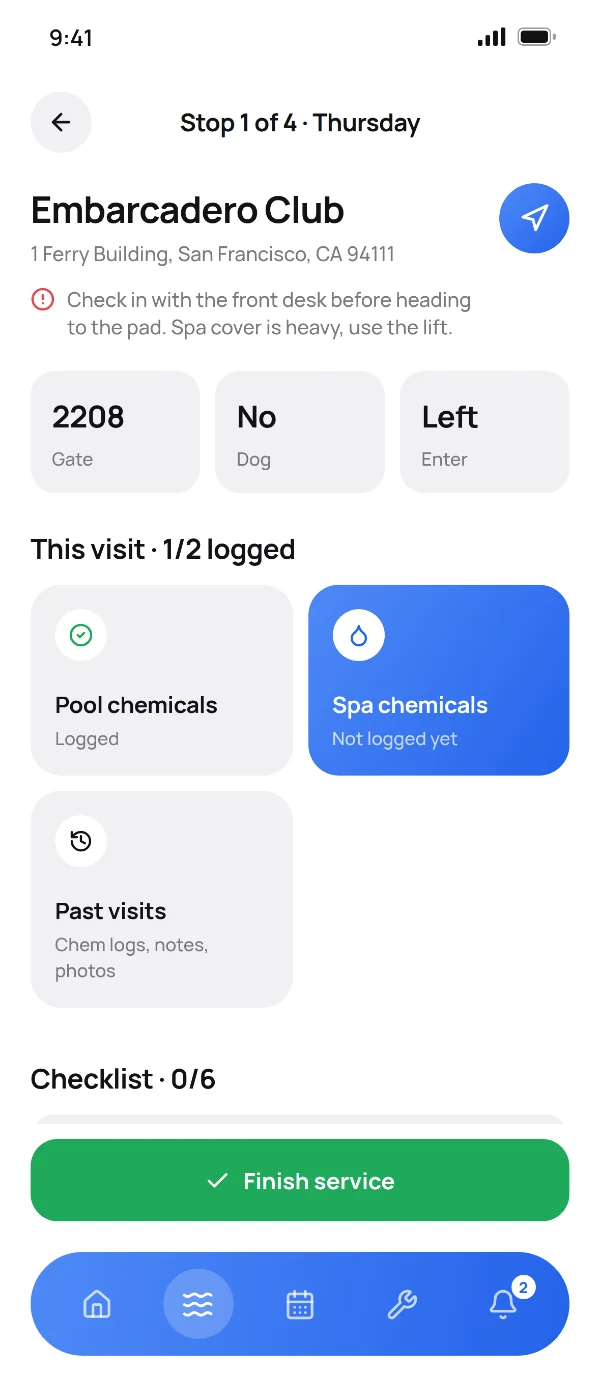
The stop opens with what the tech needs to get in, and the office note on top. Pool and spa are separate logs on the same screen, each with last visit's readings next to today's.

  • Tap scale for pH, chlorine, alkalinity and CYA with the ideal range marked
  • Doses logged as you add them, with the cost rolling up to the office
  • Photos, filter clean and the checklist on the same screen
No signal

Works in the backyard with no bars.

Without signal, every log, photo and finish is saved on the phone and sent when signal returns. The tech sees what is still waiting to send. Nothing is lost because the pad was behind a hill.

  • Saved on the phone, then synced, with a count of what is waiting
  • Finish the stop and drive; it sends on the road
  • The office sees it the moment it lands
Waiting to send3 stopsNo signalSignal back
Henderson poolReadings, 2 doses, 4 photosSaved on phoneSent
Alvarez residenceFilter clean and the checklistSaved on phoneSent
Ridge CourtFinished stop, 2 photosSaved on phoneSent
Office sees it nowNothing typed twice, nothing lost
Office line

A message thread on every client.

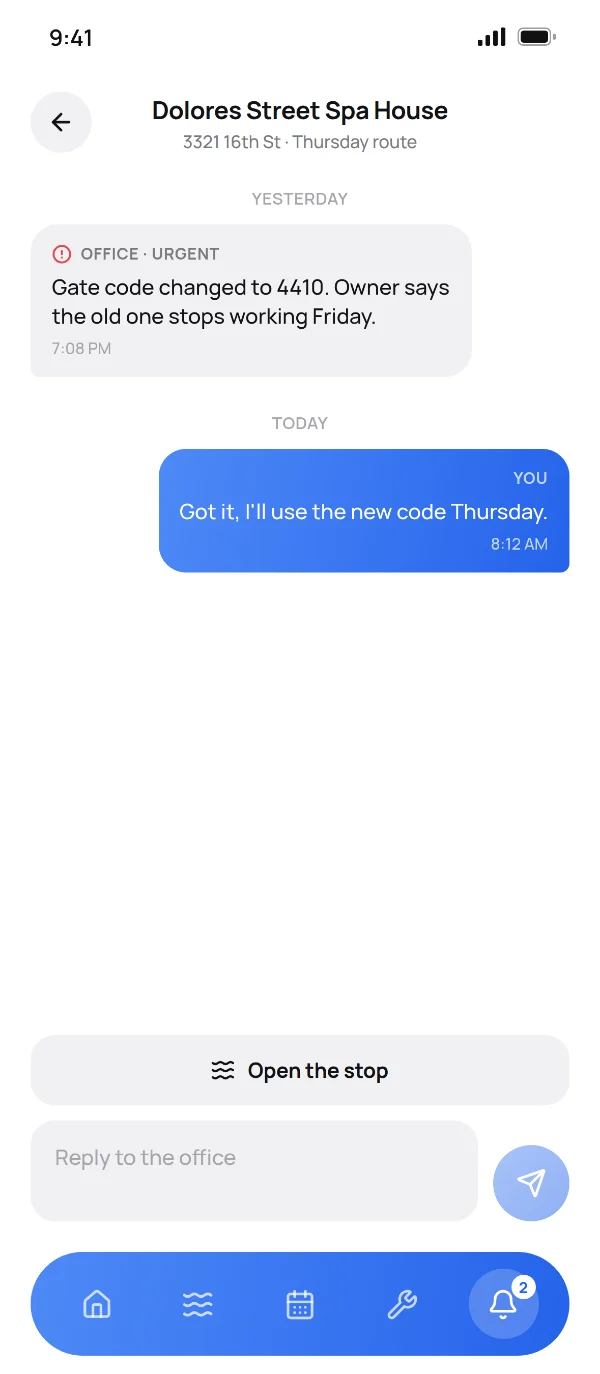
The office leaves a note on the stop, the tech replies from the pool, and the whole thread stays with the client. Urgent notes show before the tech can finish the stop.

  • Urgent notes marked so the tech sees them first
  • Replies from the field land on the dashboard
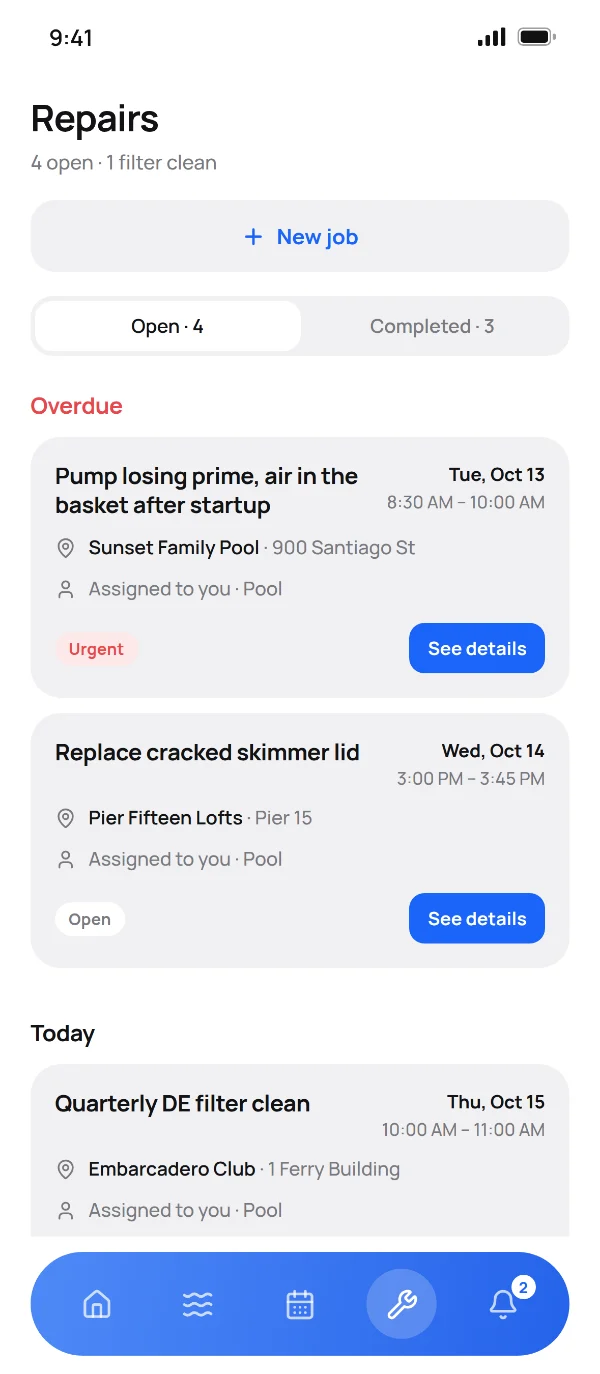
  • Repairs flagged from the stop go straight to the repair list

Also in the truck.

Time clock

Clock in and out from the phone. Hours go to the timesheet for payroll.

Mileage

A weekly odometer reading per truck from the phone, for the mileage report.

Checklists

Company-wide and per-client tasks the tech ticks at each stop. Pro and up.

Quotes from the truck

Owners, and supervisors you allow, can write and email a quote from the phone on Pro.

Unlimited photos

Before, after, the pad, the problem. No cap per visit on any plan.

Skip with a reason

Locked gate, dog out, blocked access. The reason shows on the dashboard and in history.

Try Orbit on your route for 30 days.

Add your clients and your techs, run a week. If it does not earn its place in the truck, nothing to cancel and nothing to pay.